 AutoAdy
Meta ads, answered
37 questions Meta advertisers actually ask — with the benchmark numbers, the sources behind them, and the date each answer was last checked. Written by Kristians, founder of AutoAdy, from six years of buying Meta ads for agency clients and his own brands.
Start here
The four questions every Meta advertiser asks first — waste, ROAS, fatigue, and how to audit an account.
How to Reduce Wasted Spend on Meta Ads
Across the Meta ad accounts we audited, the average wastes $847/month.
Updated
What's a Good ROAS for Facebook Ads?
Good ROAS for Facebook ads by industry: e-commerce 2.8x, travel 4.2x, beauty 3.2x.
Updated
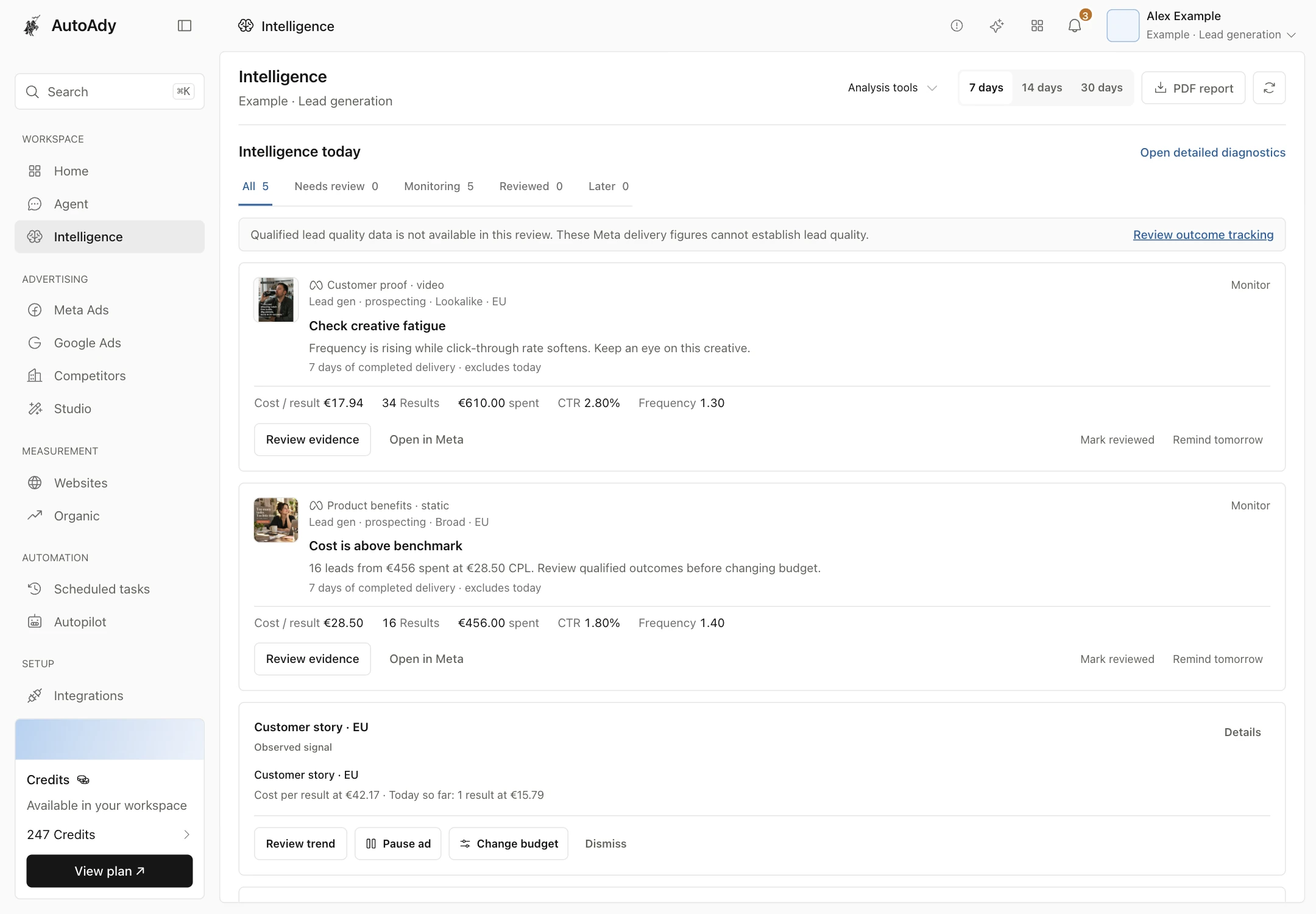
How to Detect Creative Fatigue in Meta Ads
Creative fatigue kills ad performance. Learn the 5 detection signals: frequency >3.0, CTR declining 2+ periods, CTR below 50% of peak. Median creative lifespan is 14-18 days.
Updated
Best AI Tool for Facebook Ads (2026)
Honest comparison of the top 5 AI tools for Facebook ads in 2026: AutoAdy, Revealbot, Smartly.io, Madgicx, and AdCreative.ai.
Updated
How to Audit a Meta Ad Account
Audit your Meta ad account across 5 dimensions: creative diversity (20%), fatigue risk (25%), budget efficiency (25%), testing velocity (15%), and waste level (15%).
Updated
Fundamentals
Costs, budgets, account structure, formats, targeting, and attribution — the mechanics behind every campaign.
What's a Good CPM for Facebook Ads?
Average Facebook CPM is $14.80 across industries.
Updated
How Much Should I Spend on Meta Ads?
Start with $20/day per ad set minimum for Meta to optimize delivery.
Updated
Facebook Ads vs Google Ads: Which Is Better?
Facebook avg CPC is $0.97 vs Google's $2.69.
Updated
How to Structure a Meta Ad Account
Learn Meta's Campaign-Ad Set-Ad hierarchy, CBO vs ABO, naming conventions, and consolidation best practices.
Updated
What Are Meta Advantage+ Campaigns?
Meta Advantage+ automates audience targeting, placements, and creative.
Updated
Best Facebook Ad Formats for Leads, Sales, and Awareness
Video ads get 2x CTR vs static images. Carousel ads deliver 30% lower CPA for e-commerce. See which ad format wins for your objective in 2026.
Updated
Meta Ads Audience Targeting Best Practices (2026)
Broad targeting now outperforms interest stacks for 60% of accounts post-iOS 14.5.
Updated
Meta Ads Attribution Models Explained
Meta defaults to 7-day click, 1-day view attribution.
Updated
Optimization
Lowering CPA, scaling safely, killing losers, testing properly, and reviving performance that has started to slide.
How to Lower CPA on Facebook Ads
Lower your Facebook CPA with 3 high-impact levers: creative refresh, audience targeting, and landing page optimization.
Updated
How to Scale Meta Ads Without Killing ROAS
Scale Meta ad spend without tanking ROAS.
Updated
When to Kill a Facebook Ad
Know exactly when to kill a Facebook ad.
Updated
How to A/B Test Facebook Ads Properly
A/B test Facebook ads the right way. Minimum sample sizes, one-variable testing, and the 95% confidence threshold that separates winners from noise.
Updated
Facebook Ad Frequency: When Is It Too High?
Facebook ad frequency above 3.0 kills performance for most verticals.
Updated
How to Fix Declining Facebook Ad Performance
Fix declining Facebook ad performance with a 5-step diagnosis.
Updated
How to Use Lookalike Audiences on Meta Ads
Build high-performing lookalike audiences on Meta.
Updated
CBO vs ABO on Meta Ads: Which Should You Use?
CBO vs ABO on Meta Ads explained. When to use each, minimum ad sets for CBO, and how Meta distributes budget in CBO campaigns.
Updated
By industry
Benchmarks and playbooks for dentists, lawyers, ecommerce, restaurants, real estate, gyms, SaaS, and coaches.
Meta Ads for Dentists: How to Get More Patients
Dental practices using Meta ads see $35-75 CPA per new patient.
Updated
Facebook Ads for Lawyers: What Actually Works
Legal Facebook ads average $60-150 CPA. Learn compliance rules, click fraud prevention, and the ad strategies top law firms use to sign more clients.
Updated
Meta Ads Ecommerce Benchmarks (2026)
2026 ecommerce Meta ads benchmarks: avg ROAS 2.8x, and $0.97 CPC / 1.1% CTR across five DTC sub-verticals — fashion, beauty, home goods, electronics.
Updated
Facebook Ads for Restaurants: Getting More Reservations
Restaurant Facebook ads cost $2-5 per reservation lead.
Updated
Meta Ads for Real Estate Agents
Real estate agents average $20-50 per lead on Meta ads.
Updated
Facebook Ads for Gyms and Fitness Studios
Gyms average $10-25 per trial signup on Facebook ads.
Updated
Meta Ads for SaaS: Reducing CAC
SaaS companies average $45-80 CPA on Meta ads.
Updated
Facebook Ads for Coaches and Course Creators
Coaches average $5-15 per webinar signup on Facebook ads.
Updated
Tools and AI
What AI ad tools actually do, how they compare to agencies, and honest breakdowns of the platforms in this market.
AI Tools for Facebook Ads Management (2026 Guide)
Compare 15+ AI tools for Facebook ads across 5 categories.
Updated
Should You Use AI to Manage Your Meta Ads?
Honest breakdown of when AI ad tools help and when they don't.
Updated
Automated Rules for Facebook Ads: Complete Guide
5 essential automated rules every Meta ad account needs.
Updated
AI Creative Generation for Meta Ads
What AI creative tools actually deliver for Meta ads in 2026.
Updated
AI Tools vs Agencies for Ad Management
Agencies cost $1,500-5,000/mo. AI tools cost $50-200/mo. Honest comparison of when each wins, plus the hybrid approach most winners use.
Updated
Best Madgicx Alternatives (2026)
Honest Madgicx alternatives comparison. We're biased but transparent -- real pricing, limitations, and what each tool does better.
Updated
Best Revealbot Alternatives (2026)
Revealbot rebranded to Birch and shifted focus.
Updated
Best Meta Ads Management Tools (2026)
7 best Meta ad tools ranked by pricing, features, and use case.
Updated
Put the numbers to work
Free calculators that run these benchmarks against your own account, plus head-to-head comparisons with the other tools in this market.
Your ad account. In the agent you already use.
Connect over MCP to read performance, investigate a campaign, and propose changes. Clients with OAuth support let you sign in to AutoAdy.
Prefer to use the terminal?
For Claude Code, replace YOUR_KEY with a key from Settings → API Keys, then run:
claude mcp add --transport http autoady https://www.autoady.io/api/mcp --header "Authorization: Bearer YOUR_KEY"Run /mcp in Claude Code to confirm AutoAdy is connected. See setup for other clients.